

Payment links
A payment link is something to pay for: a title and an amount in a currency. Customers pay it at /pay/<id> on your server, or in a pop-up on your own site with @kite-01/js.
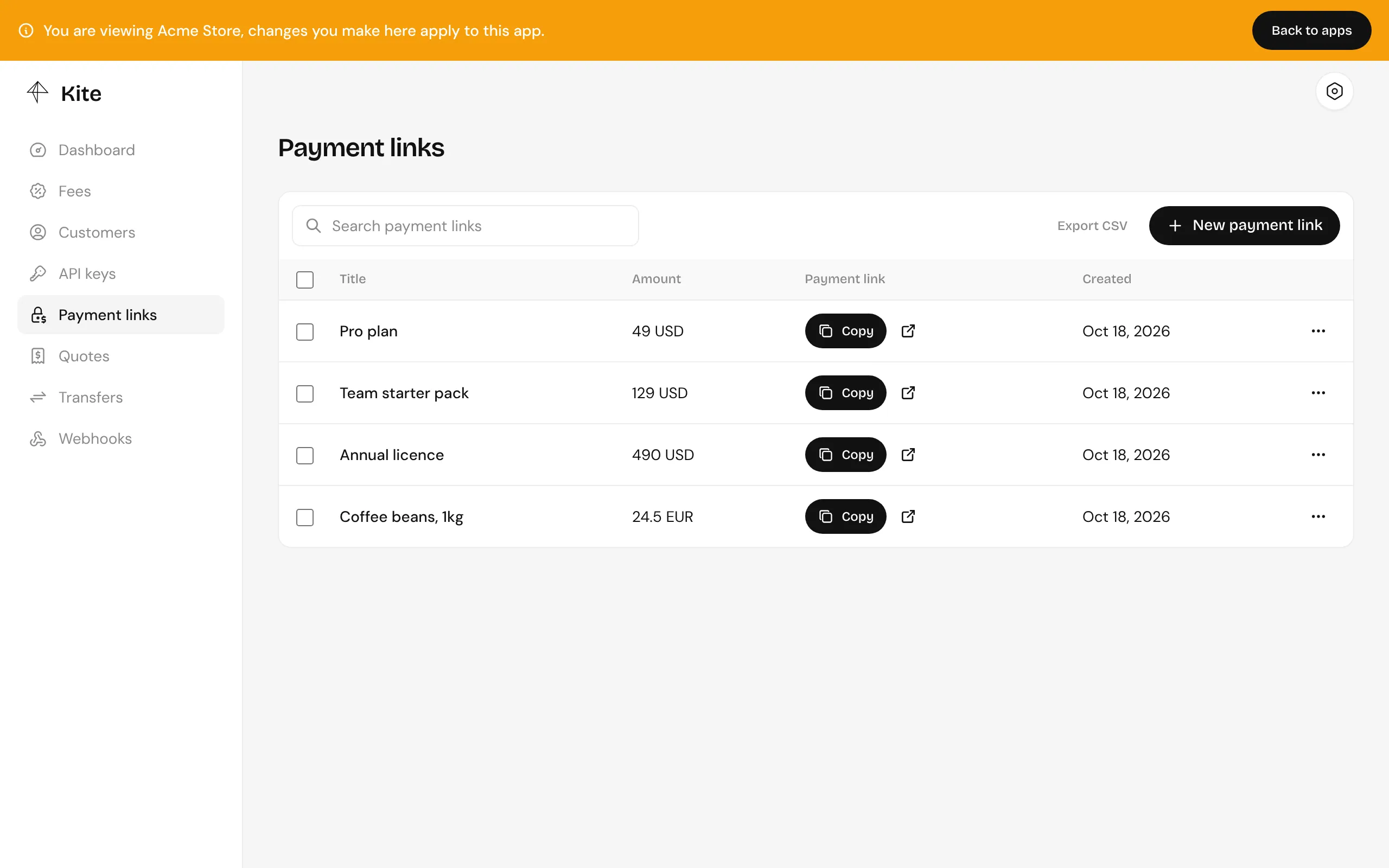
Fields
Section titled “Fields”| Field | Description |
|---|---|
title |
Shown at checkout. Up to 200 characters. |
currency |
USD, or any currency you’ve added a price feed for. |
amount |
A decimal string, such as "49" or "12.50". |
lineItems |
Optional. Each has a name, price, quantity and optional image. They must add up to amount exactly. |
reference |
Optional. Your own ID for it, such as an order ID. Unique within the app, so creating a second link with the same reference fails with 409. |
meta |
Optional JSON for your own use. |
reference and meta are never shown to customers. They come back on the link, and on every transfer webhook for a payment made through it.
Creating one
Section titled “Creating one”In the dashboard, under Payment links:
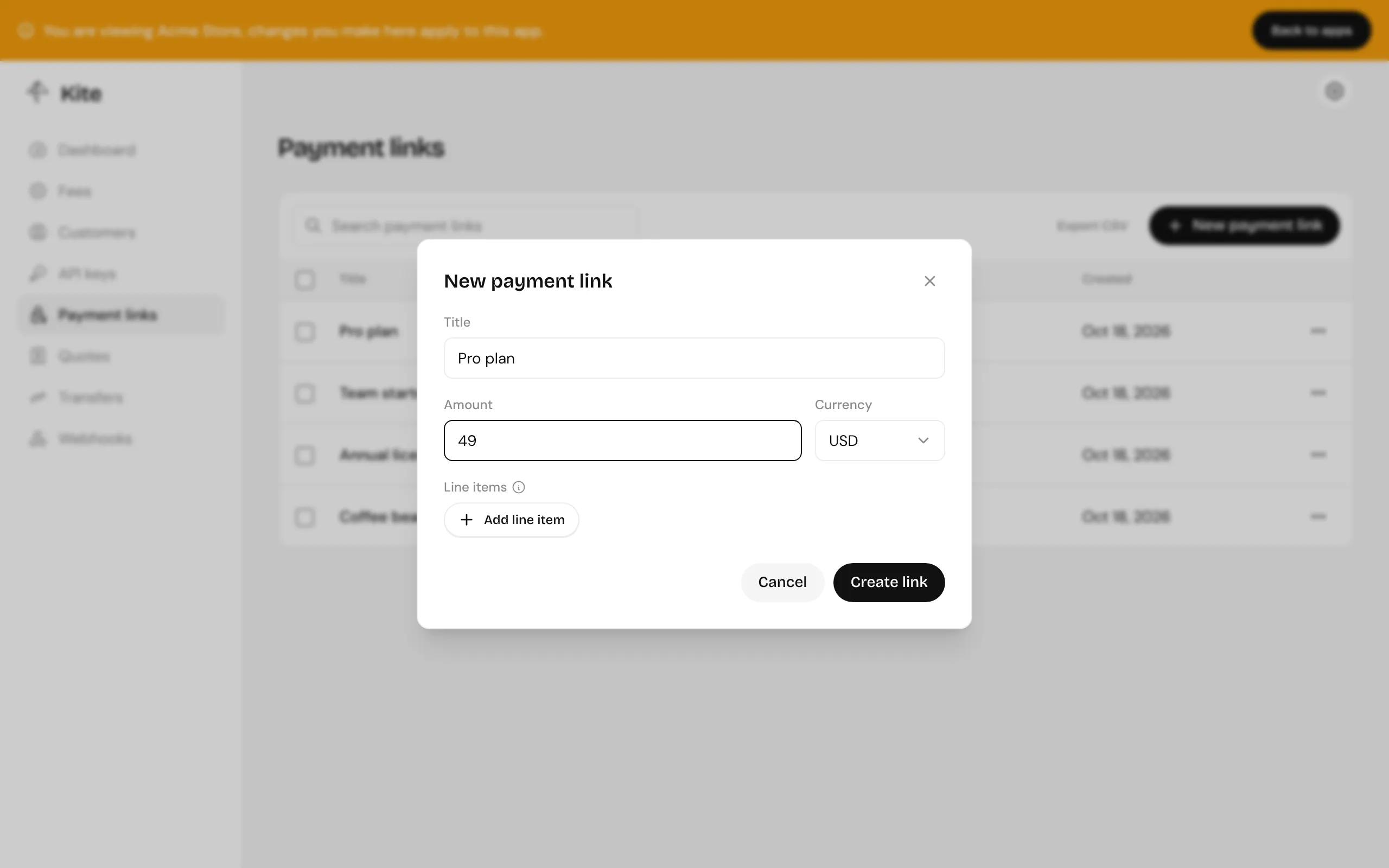
From your backend, with the SDK:
const { data: link } = await kite.paymentLinks.create({  body: {    title: "Pro plan",    currency: "USD",    amount: "49",    reference: order.id,  },});
const url = `https://pay.example.com/pay/${link.id}`;
Find it again later by reference:
const { data } = await kite.paymentLinks.list({ query: { reference: order.id },});One link or many
Section titled “One link or many”A link can be paid any number of times, so there are two ways to use them:
- One link per order. Your backend creates a link for each order with the order’s ID as
reference. Webhooks tell you exactly which order was paid. This is the usual choice for stores and apps. - One link for a product. Create it once in the dashboard and share it, for donations, invoices sent by hand or a fixed-price product. Every payment is a separate transfer.