First run
With the server running, everything else happens in the dashboard. This walks through it in order. By the end you’ll have a chain customers can pay on, an app, an API key and a payment link.
-
Sign in
Open your server’s URL and sign in with your
KITE_ROOT_KEY. Tick Remember me to stay signed in on this browser.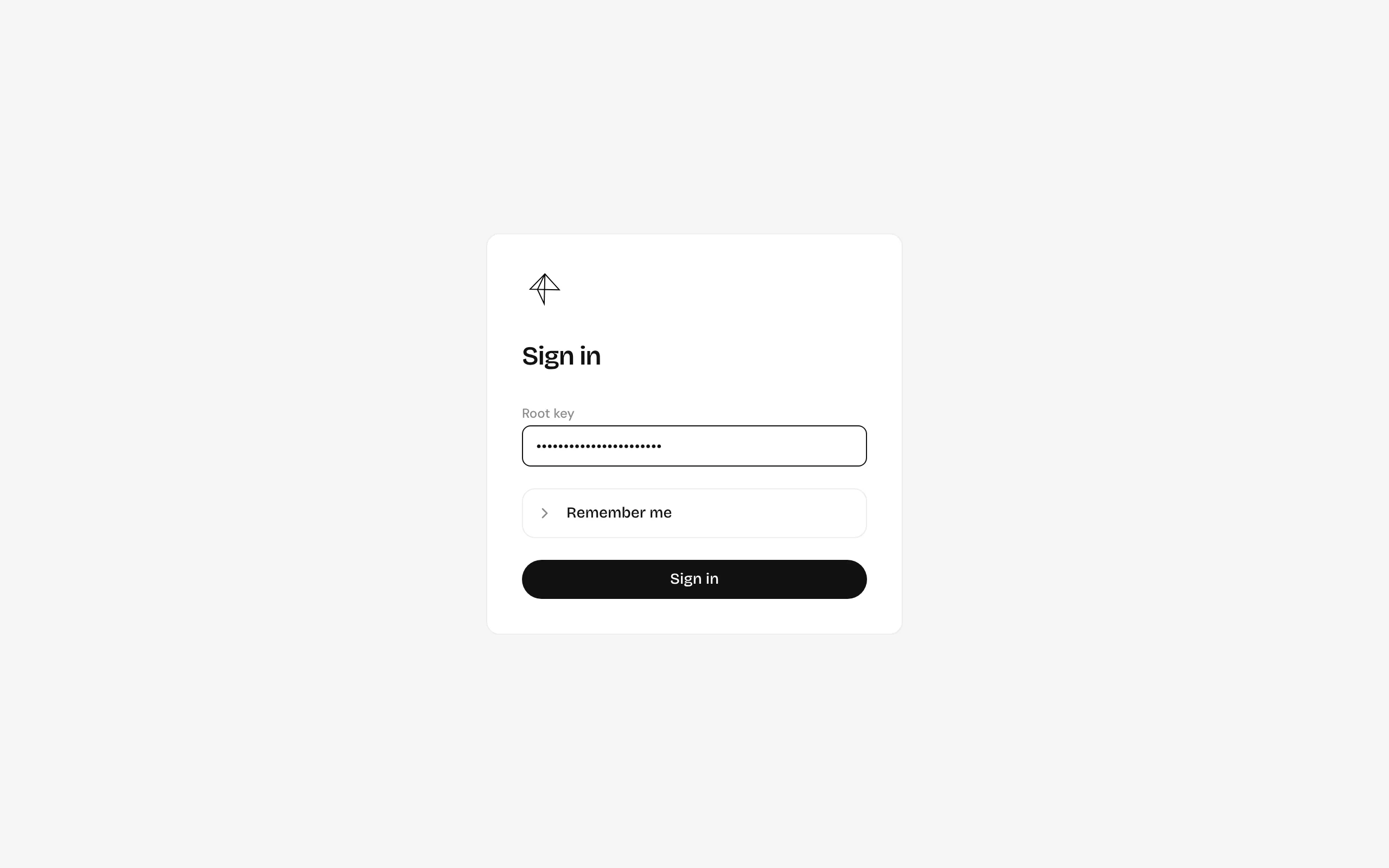
-
Add provider keys
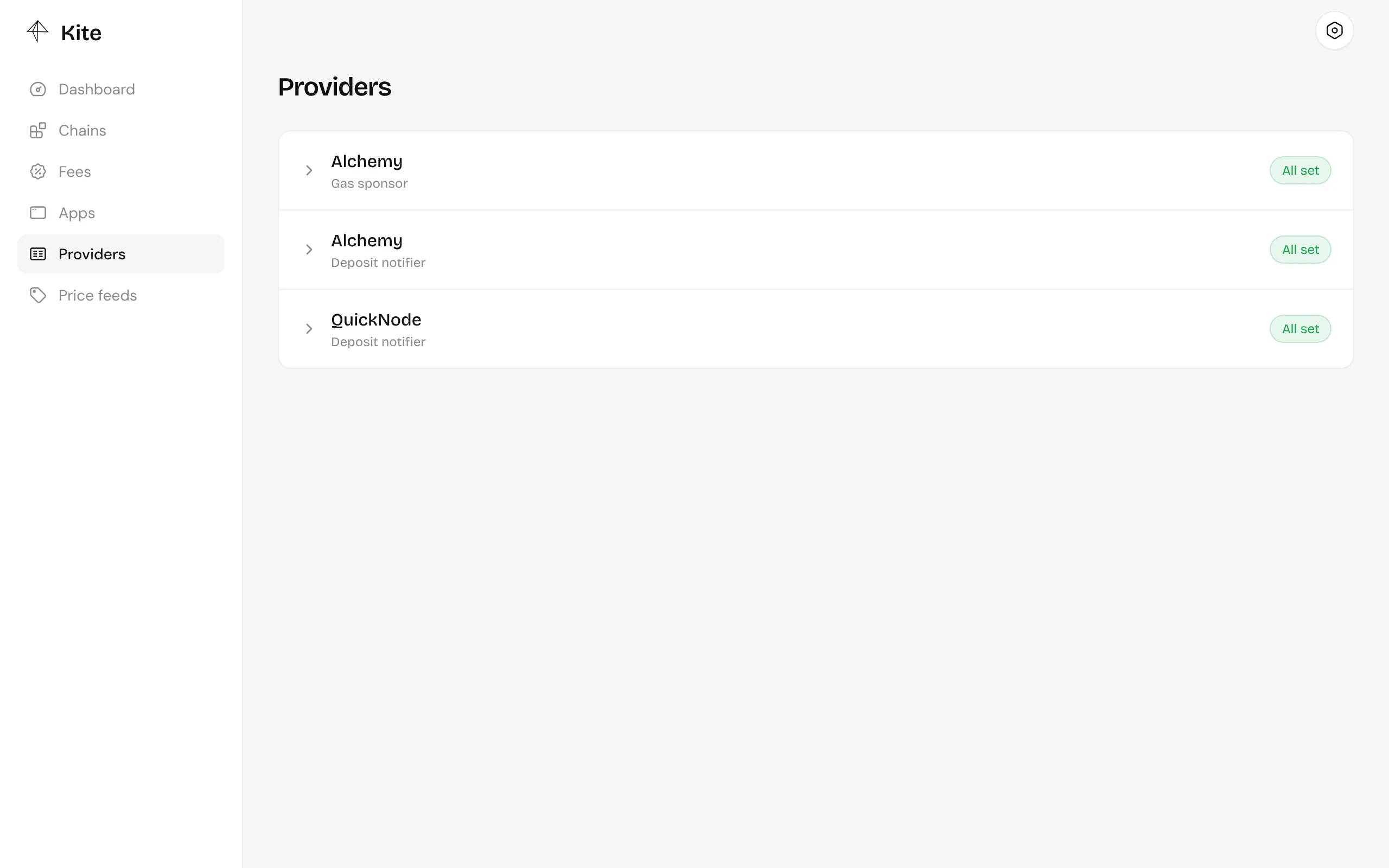
Under Providers, add keys for a deposit notifier, QuickNode or Alchemy, so the server hears about payments the moment they land, and for Alchemy as gas sponsor, which pays the operator’s gas. Every chain needs both. Providers explains each.
-
Add a chain
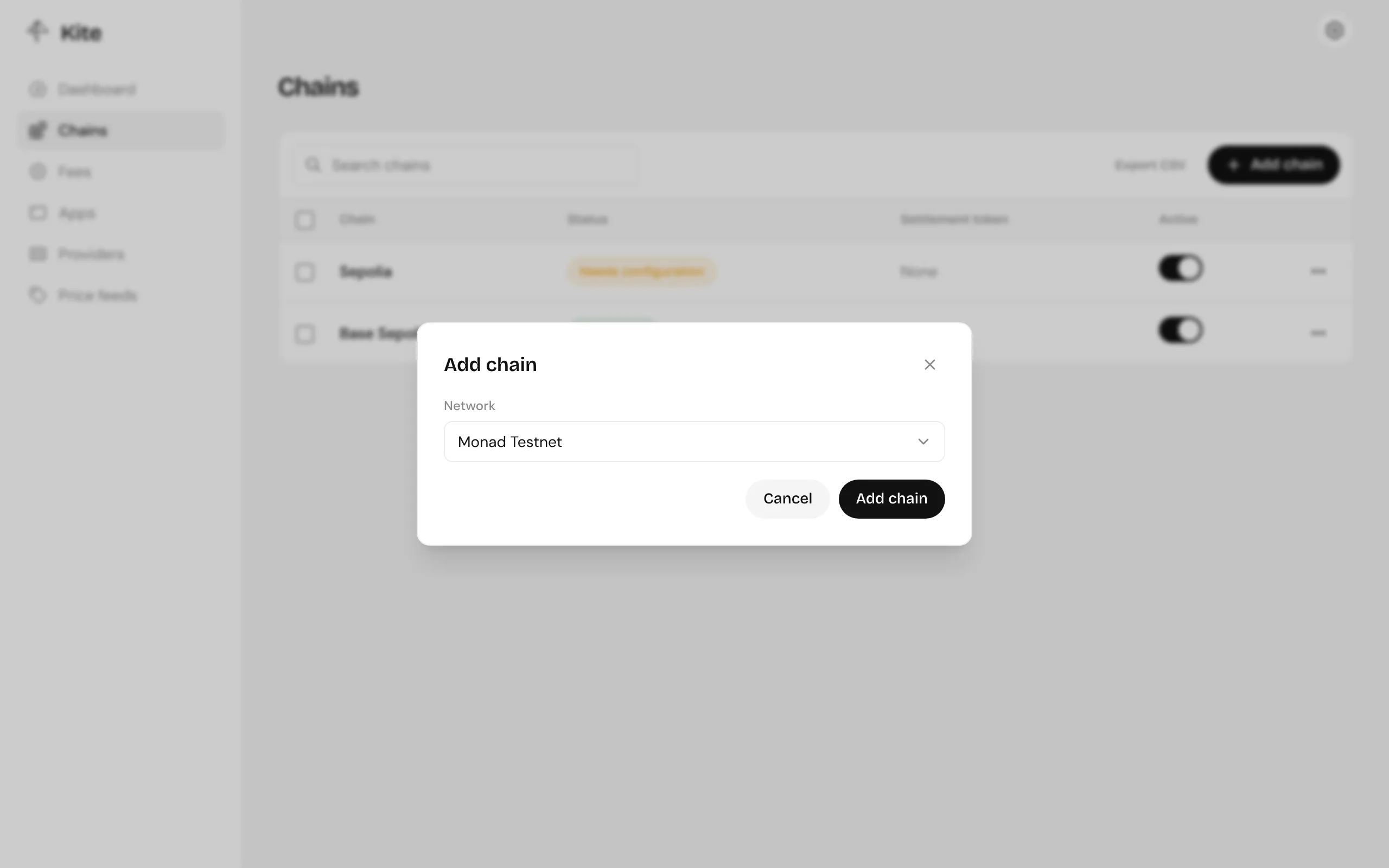
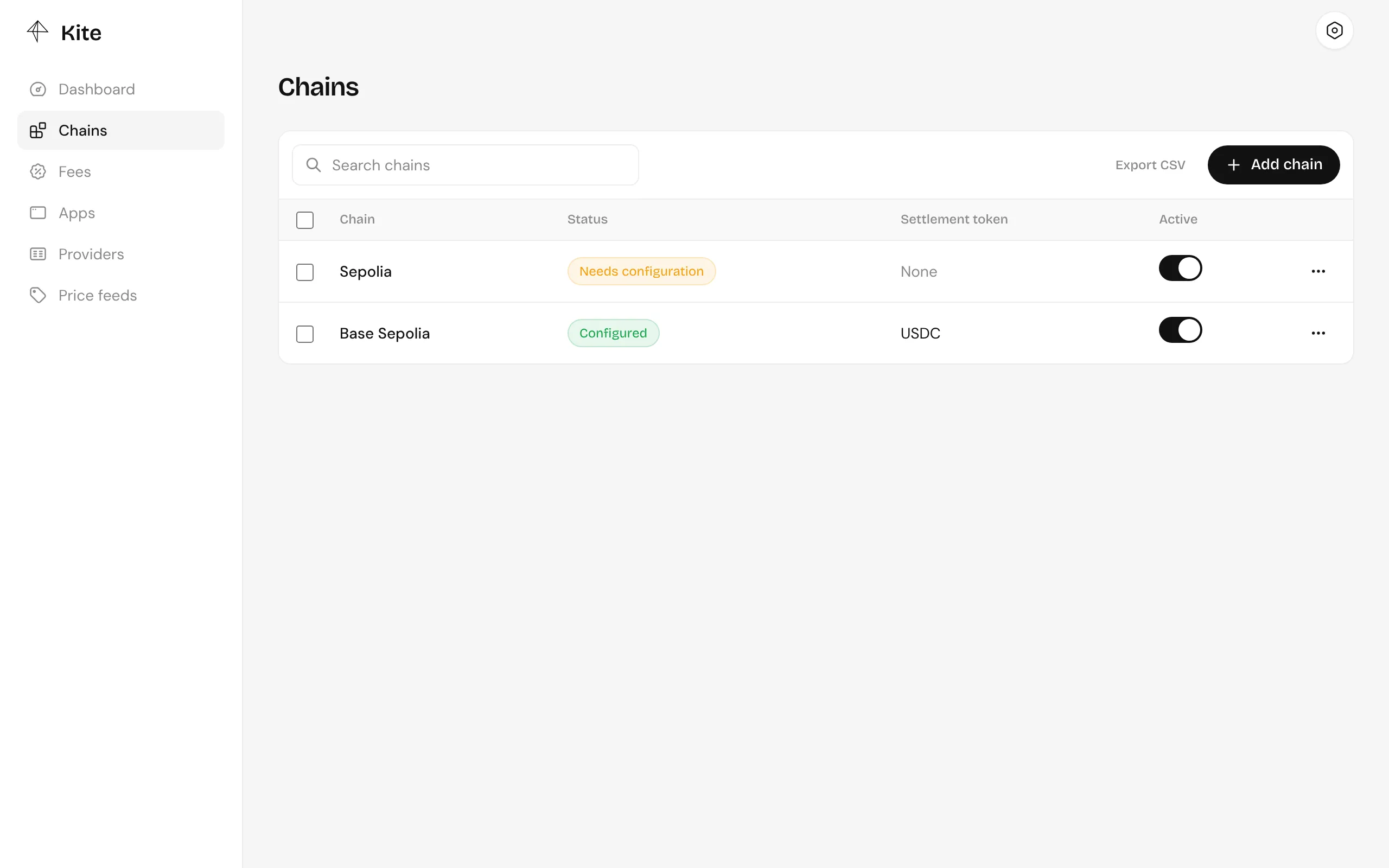
Under Chains, click Add chain and pick a network. The list only shows networks your server supports; a testnet server shows testnets.
-
Configure the chain
Open the chain. In Tokens, add the tokens customers may pay with, then in Configuration set your Kite factory’s address, the settlement token, a deposit notifier, a gas sponsor and the rest. Chains and tokens covers every field.
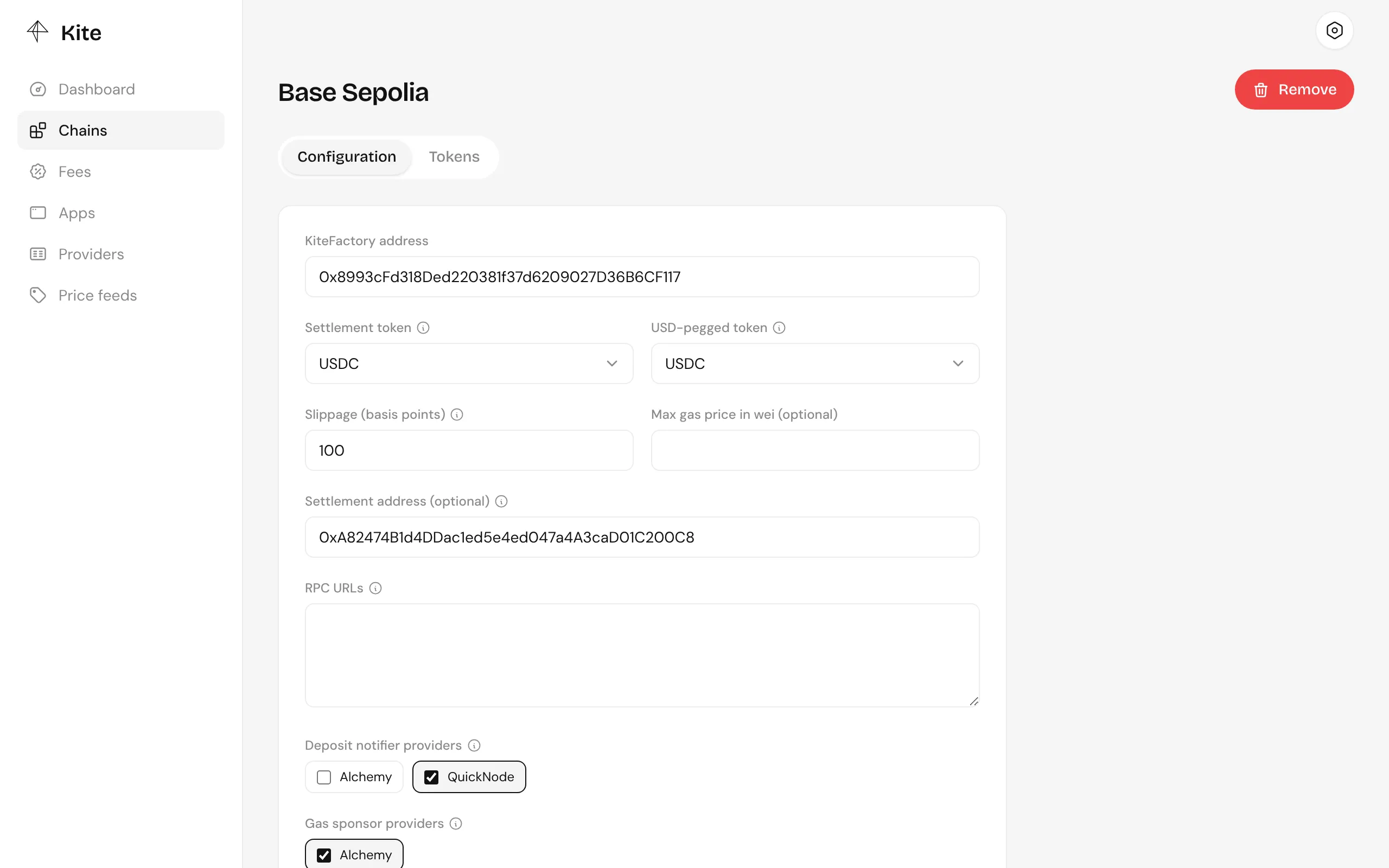
The chain shows as Configured once it has everything it needs.
-
Create an app
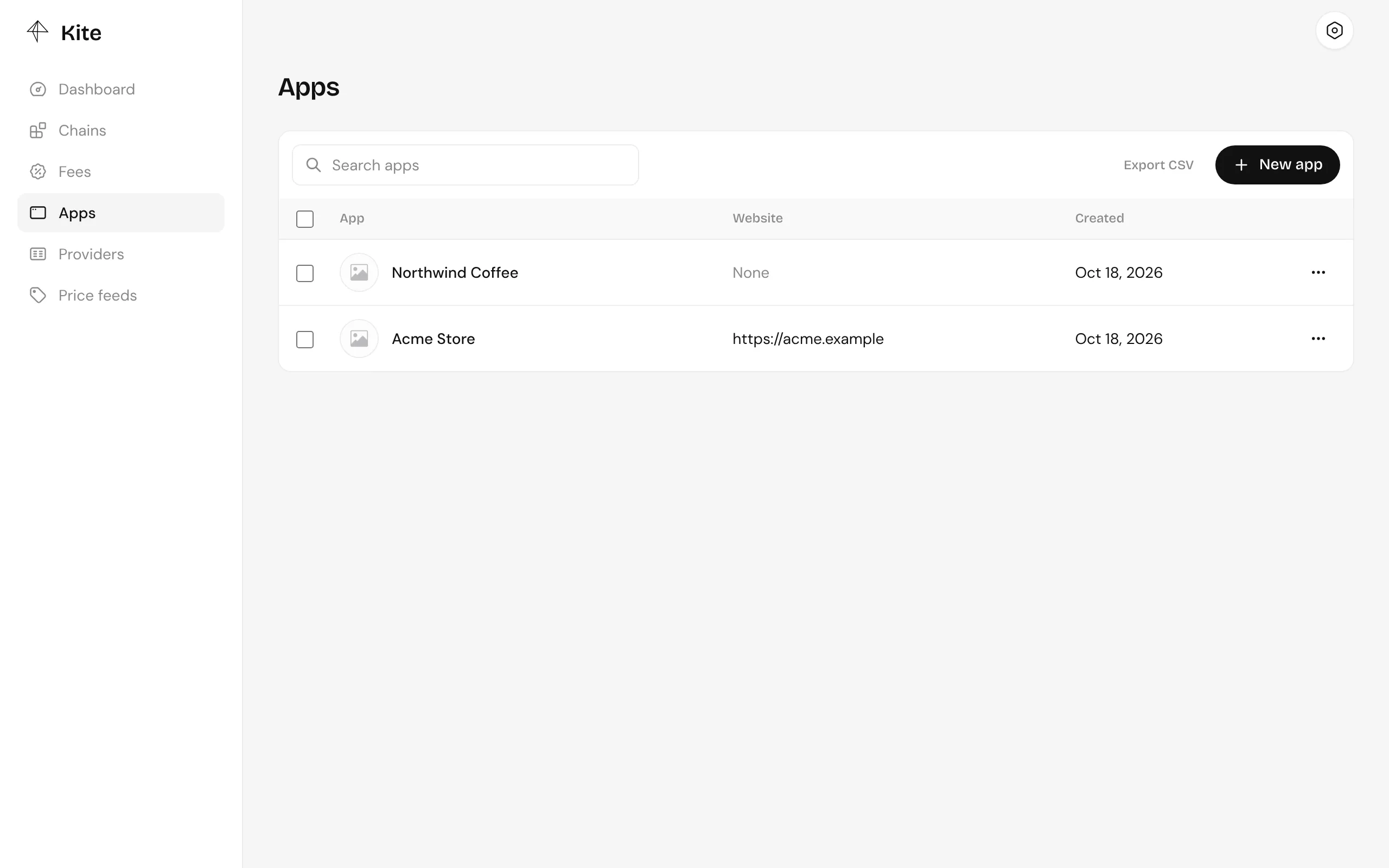
Under Apps, create one for your business or project. Its name, icon and links are shown to customers at checkout. Open it to manage everything that belongs to it.
-
Create an API key
Inside the app, go to API keys and create one for your backend. See API keys.
-
Create a payment link and open it
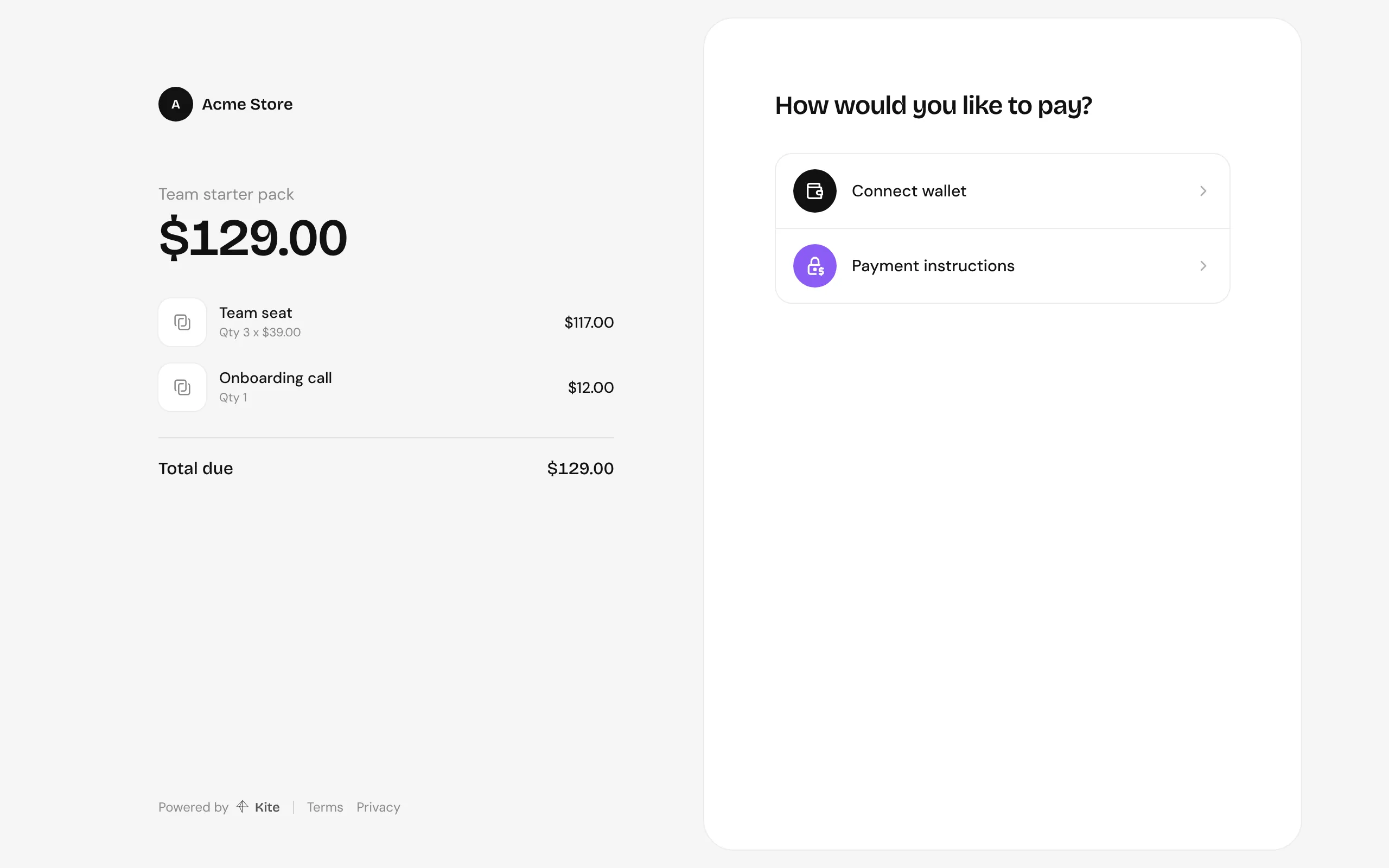
Under Payment links, create one and use Open checkout to see the page your customers get.
The overview
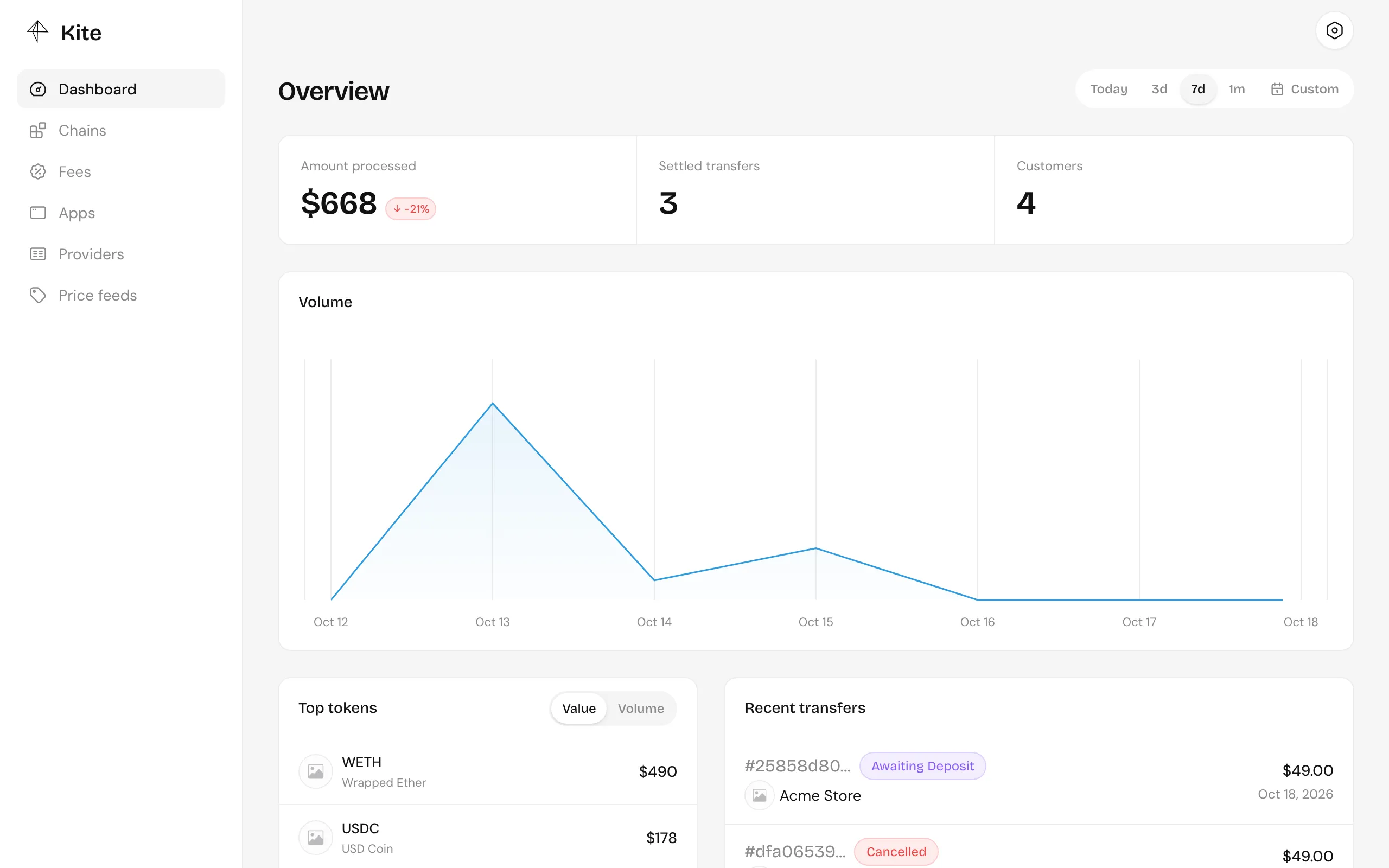
Section titled “The overview”The dashboard’s home shows the amount processed, settled transfers, customers, volume over time, top tokens and recent transfers, for the whole server or, inside an app, for that app.